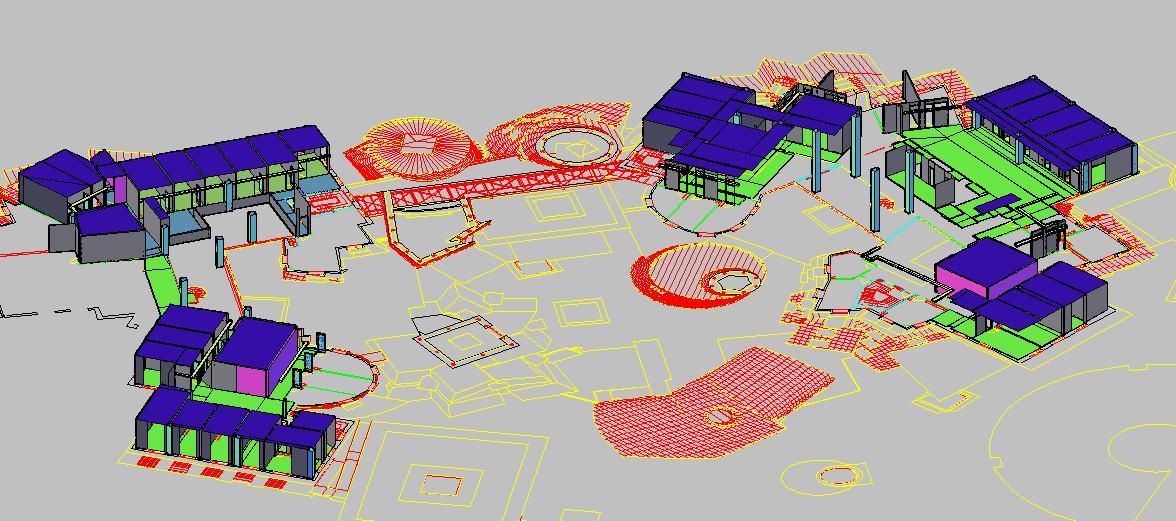
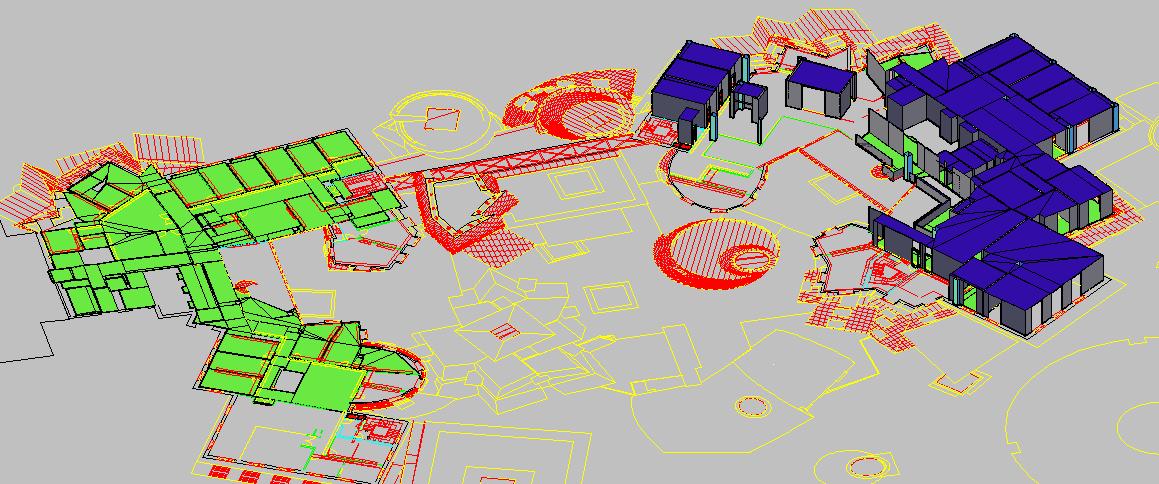
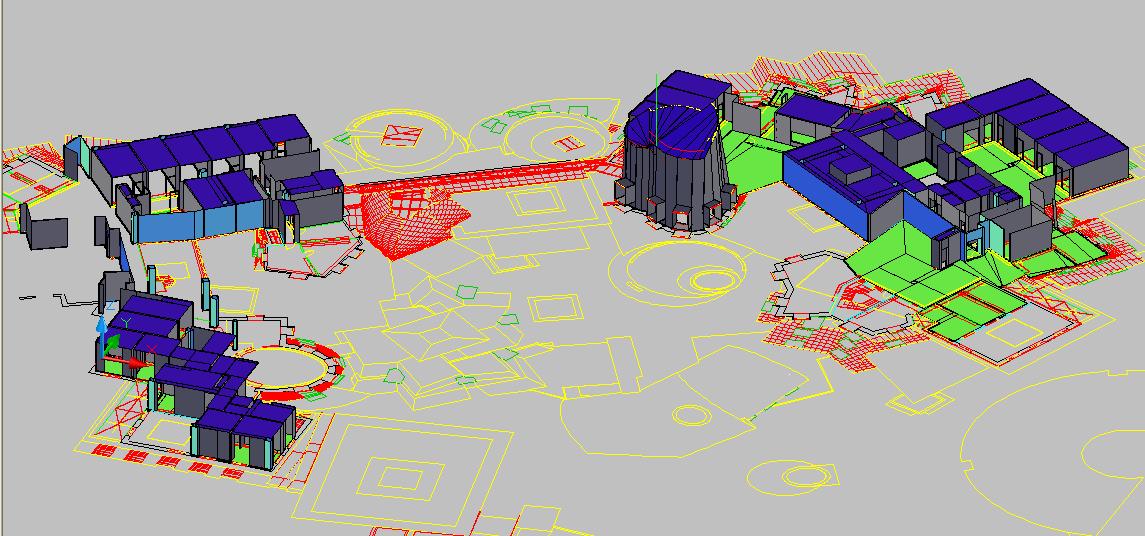
Ground-Truth, As-Built 3D CAD Model of Stata Center
Abstract
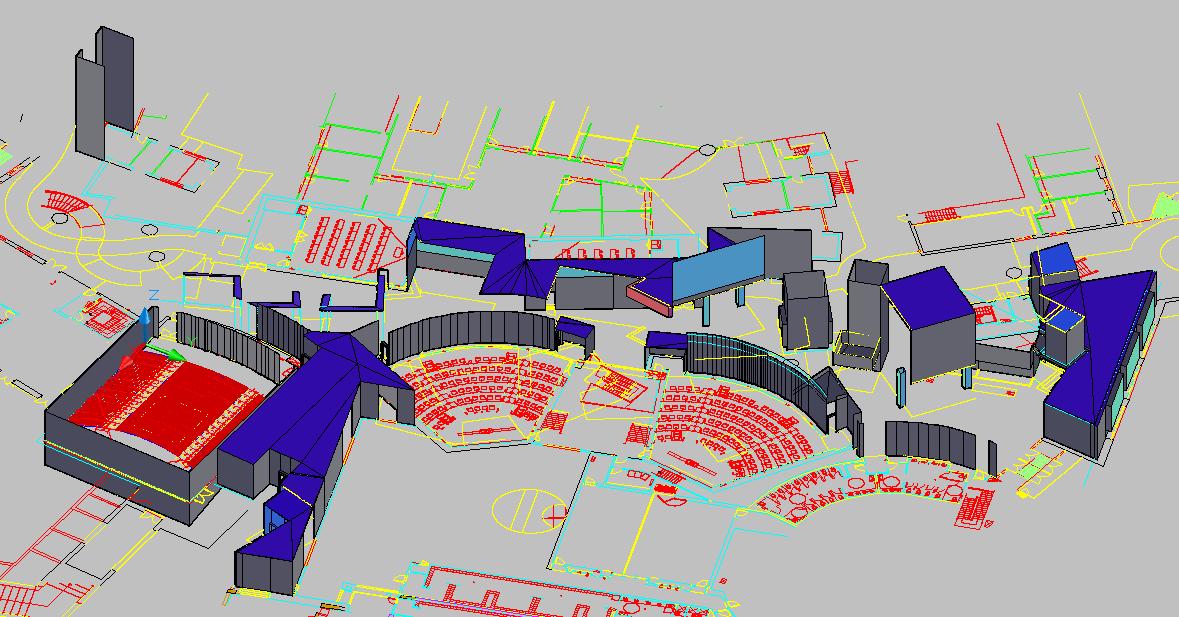
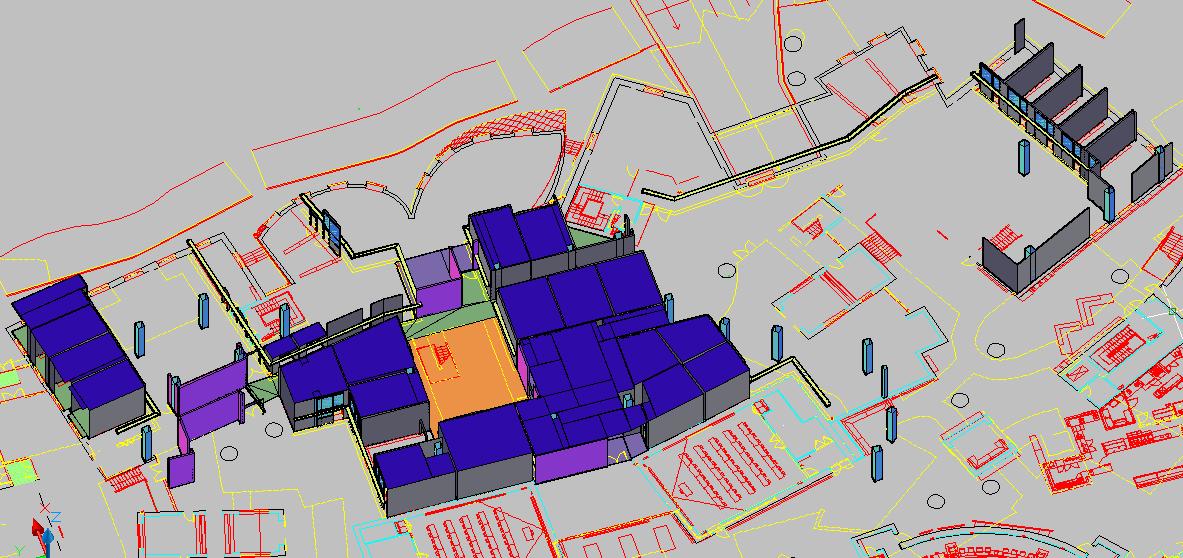
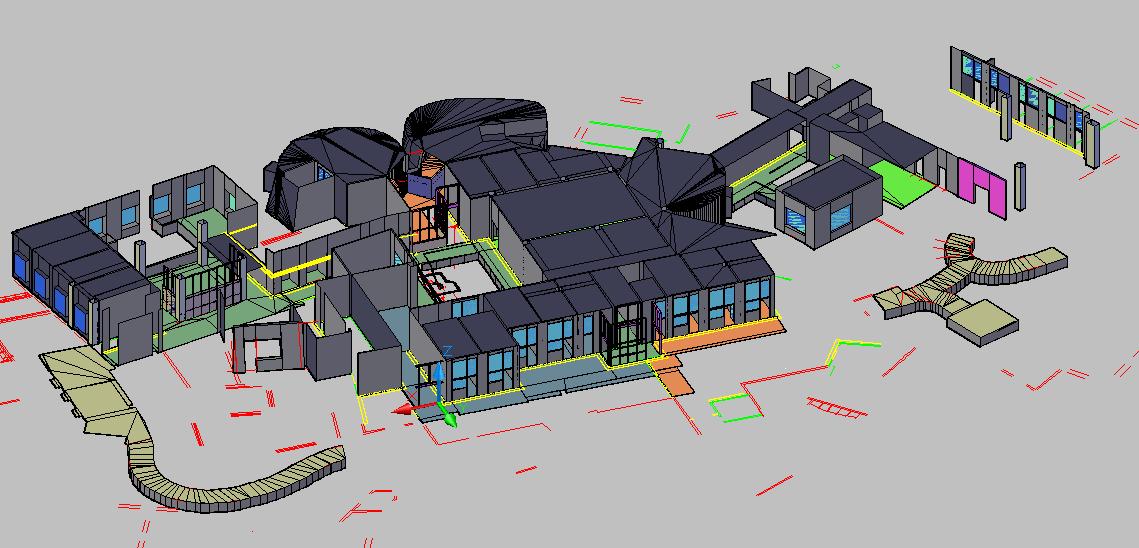
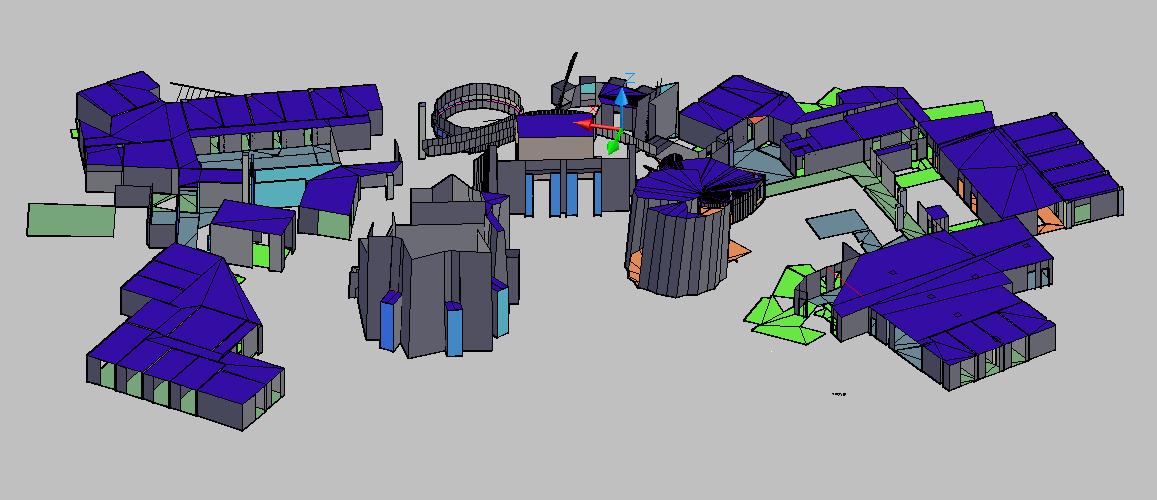
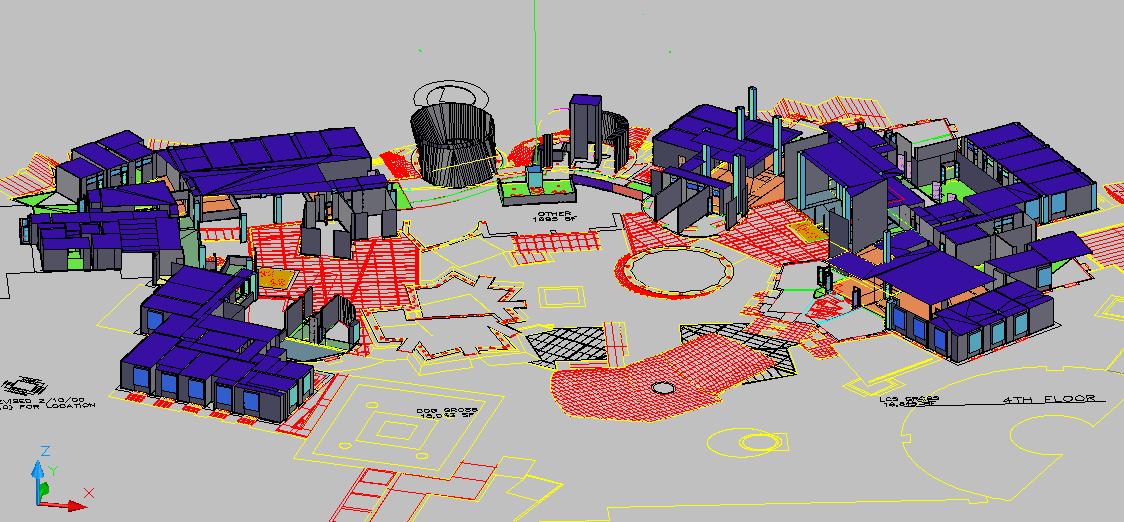
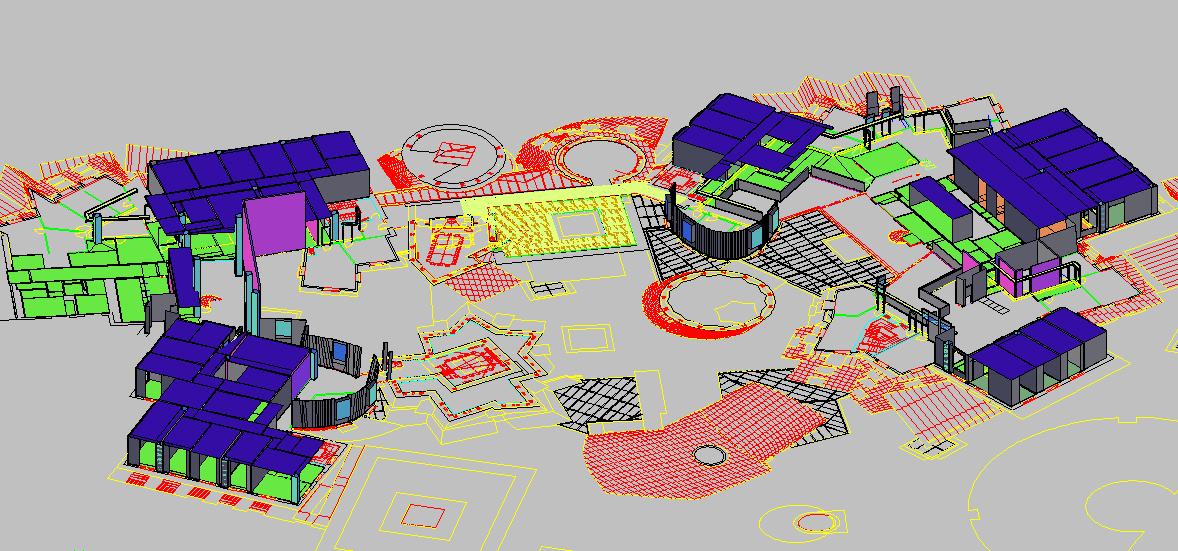
The goal of this project is to construct a 3D model of the Stata Center using existing floorplans and field measurements. We began with a set of 2D floorplans of the interior in DWG format, and we constructed various elements of the building- walls, floors, ceiling, stairs, etc- on top of the lines in the floorplans by adding 3D faces within the program AutoCAD.
A detailed description of the project can be found here.
Our files can be found here.
work continued by: Yang Yang, Jessi Ambrose
Acknowledgements
We are grateful to Kaustuv DeBiswas of the Architecture Department
for helping us get started with AutoLISP inside AutoCAD; to CSAIL's TiG
group; to MIT's Department of Facilities for the 2D floorplans with
which we started; and to Frank O. Gehry and Associates for the CATIA
data.
Pictures
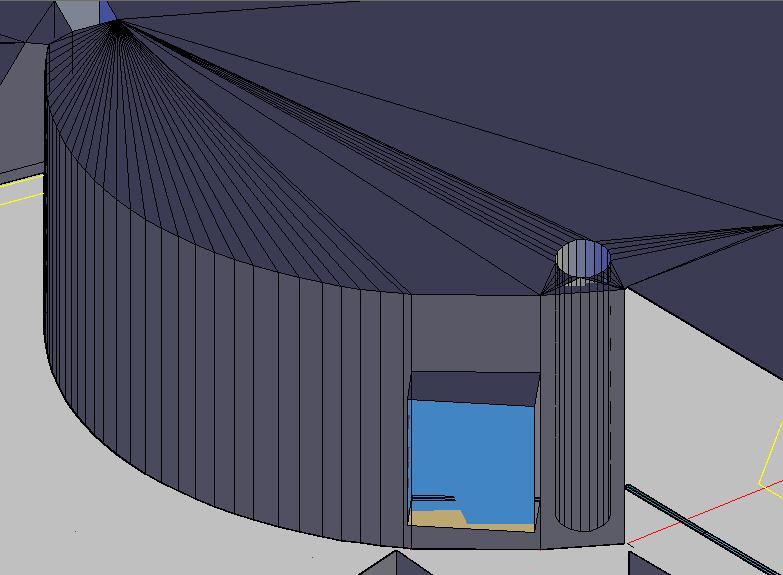
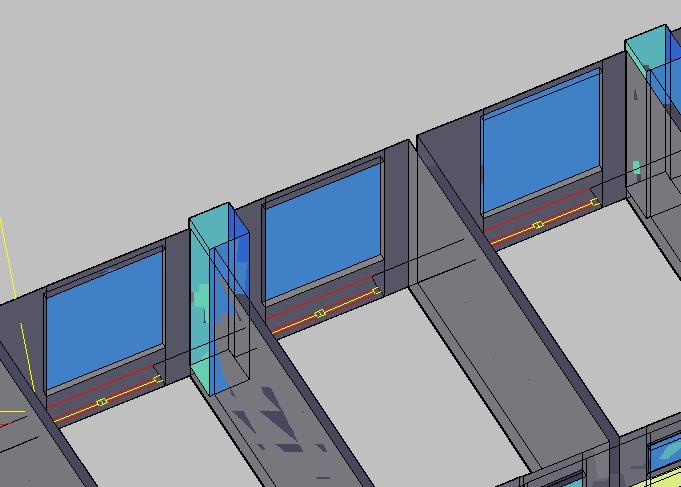
This is an example of vertical non-planar geometry. Note how the wall consists of narrow strips of planar walls and how the ceiling largely consists of triangles emanating from vertices. A column can be seen on the right side of the picture through a section of wall. Note how it is modeled using the same technique as the wall.

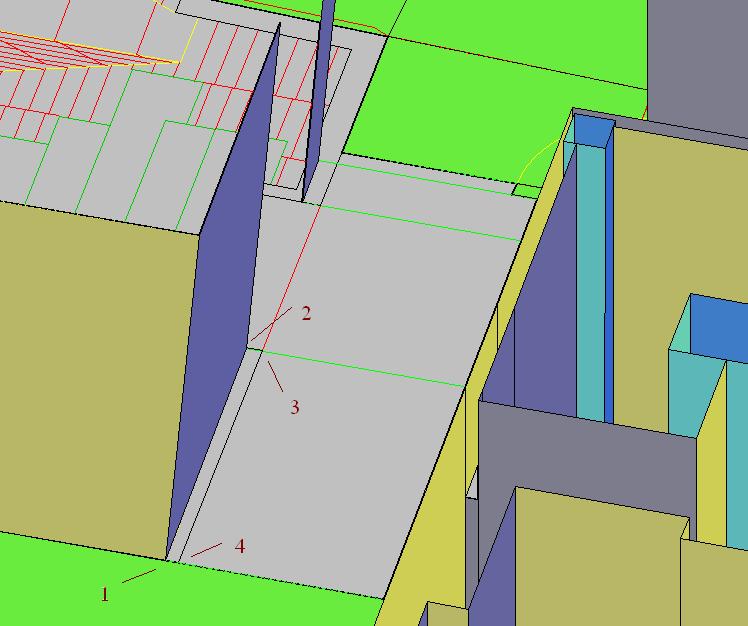
The blue wall is an example of a non-vertical wall. The numbers 1-4 refer to the points inputted into the convex combination function, which were clicked in that order. The function then proceeded to draw the wall.

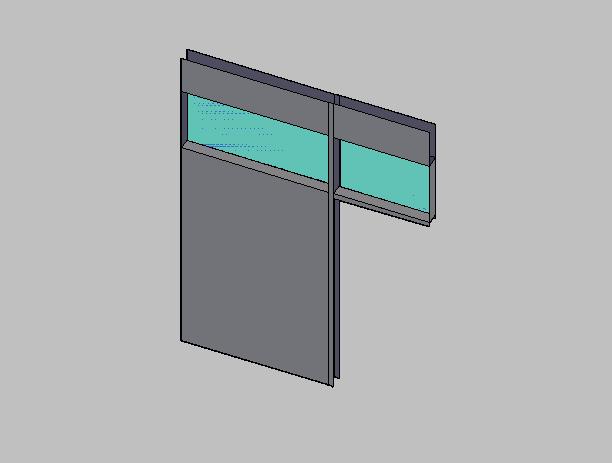
This is a model of an office facade.

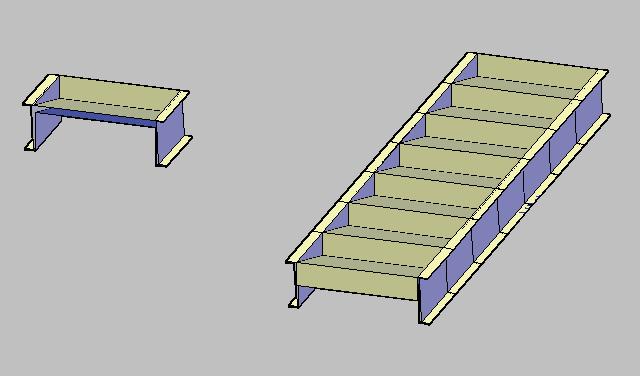
On the left is a single step that we have modeled. The chunk of stairs on the right was made by putting together several of the step modules on the left.

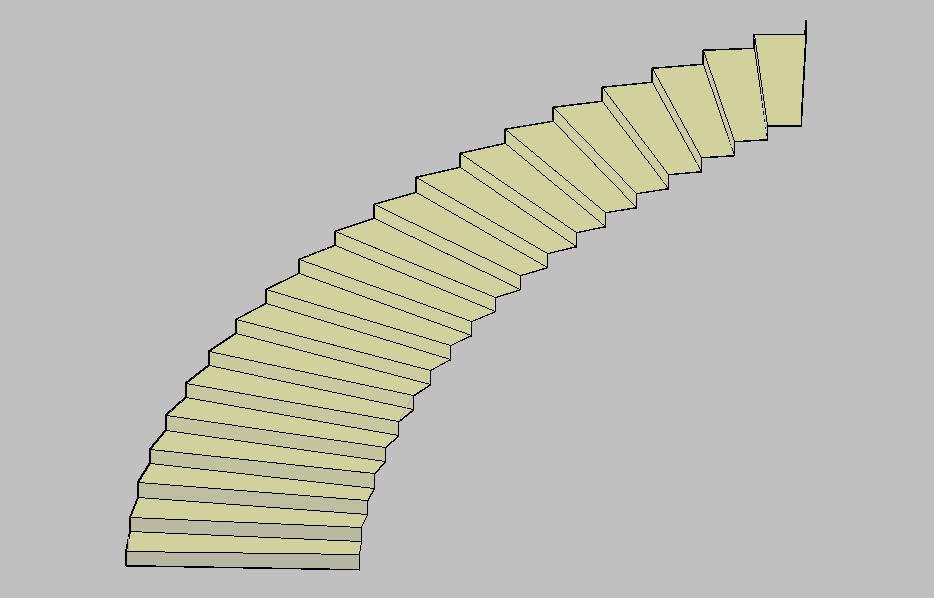
This is a section of curved stairs that we modeled. Only the top surface of this particular stairway is complete.

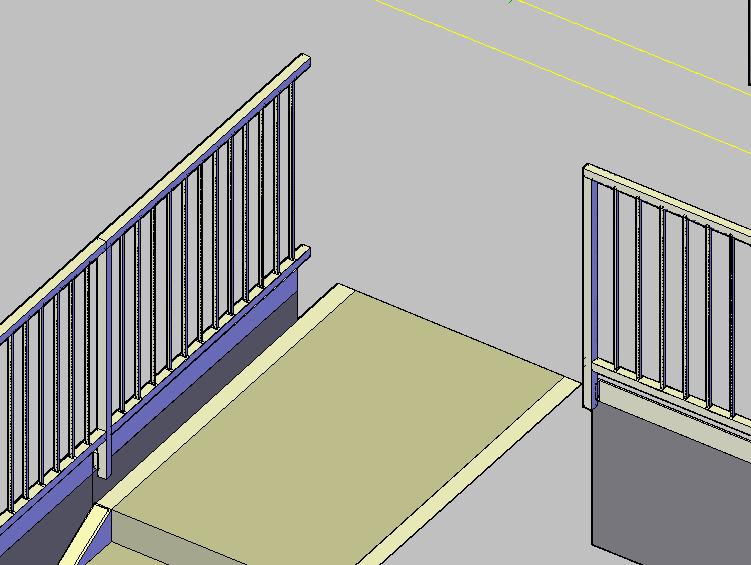
This is a section of railings with details.

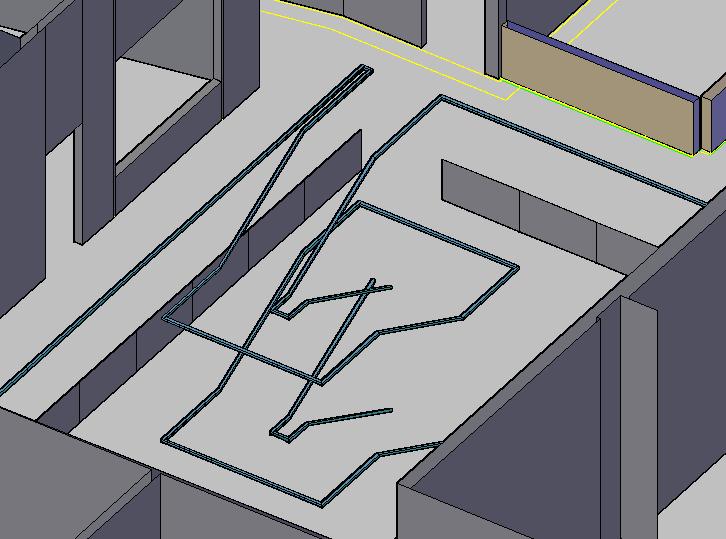
This is a section of railings with only the top metal strip drawn.

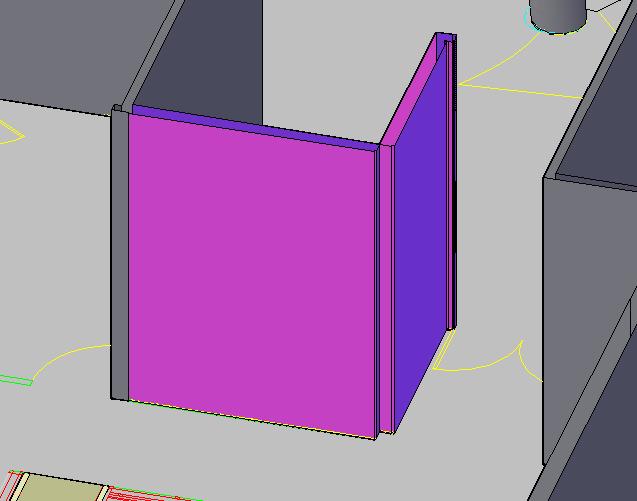
The pink wall represents a glass wall. This is the old way we modeled glass walls.

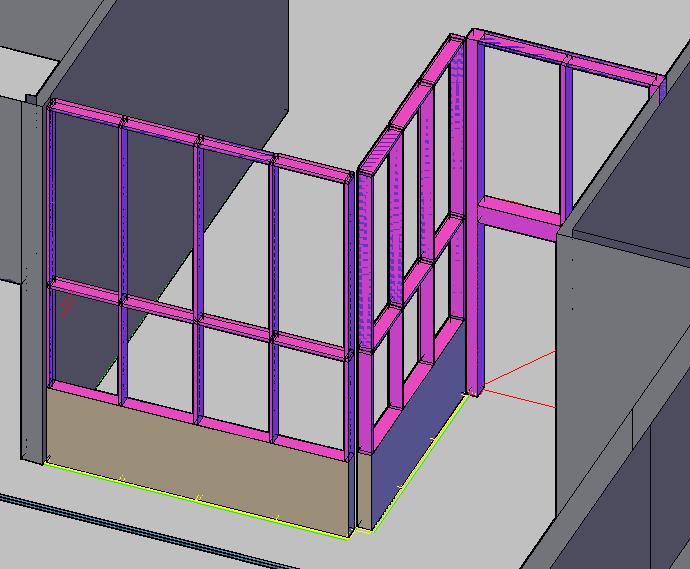
This is the new way that we are modeling glass walls. Again in pink, the wall's visually prominent metal beams can now be seen. This image shows the same wall as the previous image with a bit more of the wall modeled.

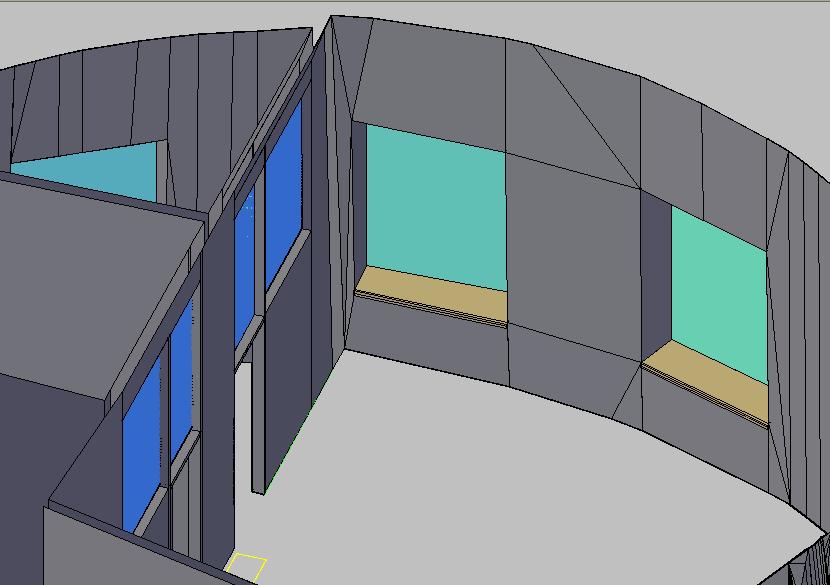
This is the way we initially modeled these windows. Note the brown panel at the bottom. These windows were modeled by hand because the wall in which they are embedded is curved.

Here is a row of windows generated using our window generating function.

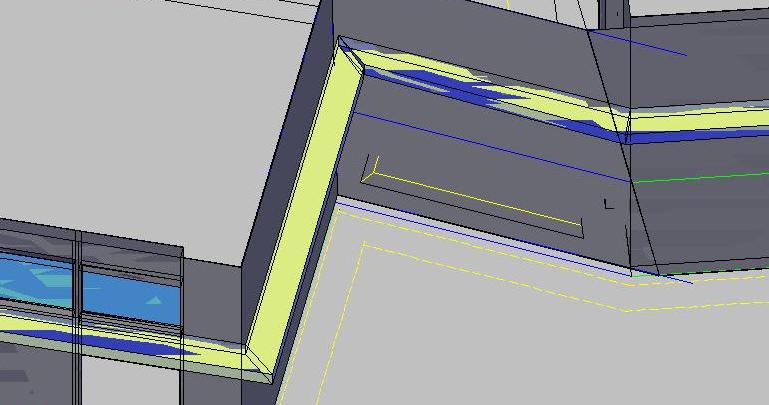
The light-holder is the structure in lime-green.
back to top
Data
Note: these files are viewable only within AutoCAD 2007. We will post
DXF versions of each floor when the project is complete.
Individual Floor Models with Pictures
Student Street

2nd Floor

3rd Floor

4th Floor

5th Floor

6th Floor

7th Floor

8th Floor

9th Floor

Exterior Model from Gehry Technologies
click here to download files.
back to top
Students: Xiao Xiao; Tiffany Li
Advisor: Prof. Seth Teller